










Turn any chat into a court‑ready PDF.

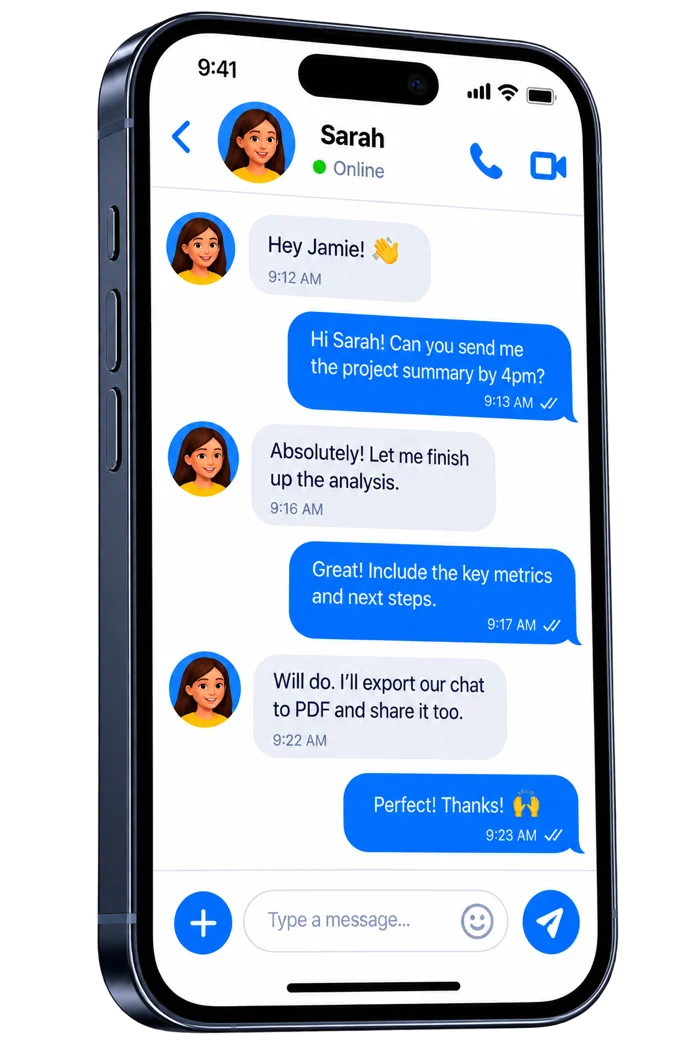
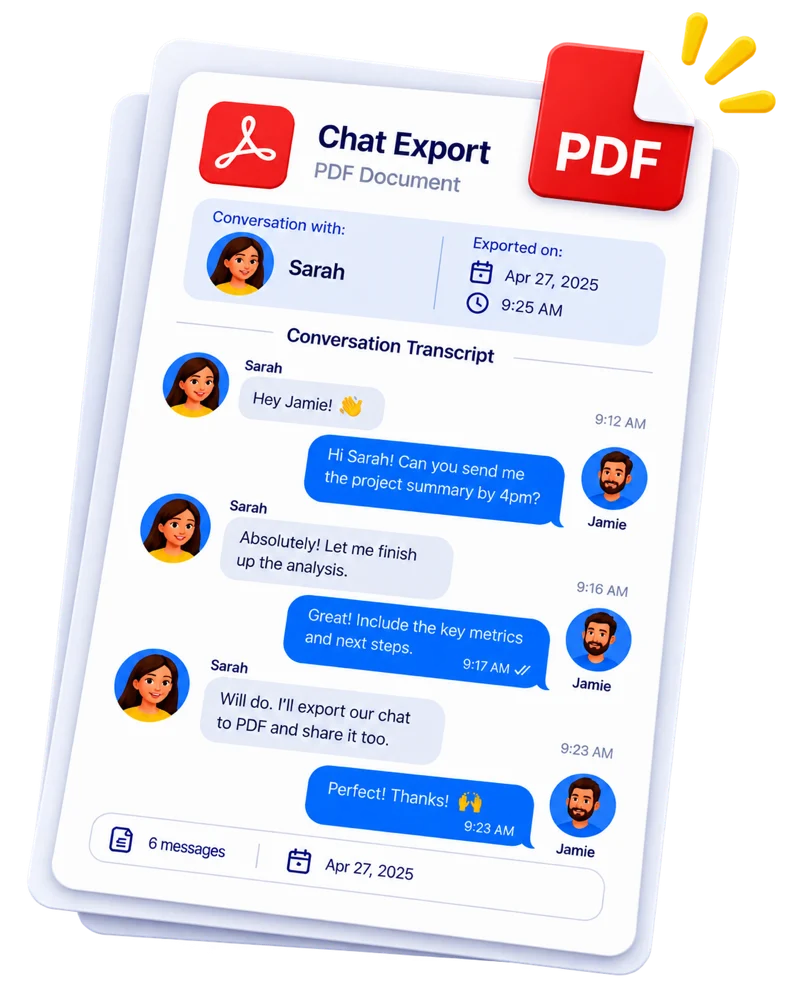
Screenshot it, screen-record it, or let TextKeep scroll for you. AI rebuilds the whole conversation with every sender, date and time, ready to export as PDF, CSV or TXT.

Download on the App Store

4.4 out of 5 from 286 App Store ratings

Works with every chat app on your iPhone

  • Messages
  • WhatsApp
  • Messenger
  • Instagram
  • Signal
  • Telegram
  • LINE
  • WeChat

And any other app that shows a conversation on screen.

A friendly robot scanning a chat conversation on a phone

From screenshots to one clean conversation

TextKeep reads every screenshot the way you would, then rebuilds the thread as clean, searchable text.

  • Puts your screenshots in the right order
  • Removes overlapping messages, so nothing appears twice
  • Reads every bubble, emoji included
  • Names who said what, even in group chats
  • Keeps the dates and times shown in the chat

You have the final word

Long-press any message to edit its text, switch it between sent and received, change or remove its date and time, or delete it.

Needed to document a harassment claim. This kept the emojis and timestamps perfectly intact, which was vital for the investigation.

hamsheryllt, App Store review

One conversation, every format

Export the same chat as a document, a spreadsheet, plain text or one long image. Every message keeps its sender, date and time.

Chat export

Noah’s Dad

Conversation with
Daniel
Exported on
7 May 2026, 9:02 AM

Monday, 4 May 2026

Daniel

Hi Rachel. Can we sort out this month’s schedule? I’d like to have Noah the weekend of the 9th.

Rachel

Morning. That weekend works. Pick him up Friday after school, but have him back by 6 on Sunday. He has school Monday.

Daniel

That works. I’ll be at the school gate by 3:30 on Friday and bring him home Sunday evening.

Wednesday, 6 May 2026

Rachel

Also, did you get the email from the mediator about the updated custody agreement? She needs both signatures by the end of the month.

Daniel

Got it. I’ll sign tonight and send it back 👍

5 messages4 to 6 May 2026

PDF document

A clean document to share with a lawyer, file with a court or print.

  • Conversation name and export date at the top
  • A divider for every new day
  • Sender and time on every message

Best for legal cases, sharing and printing

Noah’s Dad.csv

ABCD
1DateTimeSenderMessage
22026-05-048:42 AMDanielHi Rachel. Can we sort out this month’s schedule? I’d like to have Noah the weekend of the 9th.
32026-05-049:15 AMRachelMorning. That weekend works. Pick him up Friday after school, but have him back by 6 on Sunday.
42026-05-049:31 AMDanielThat works. I’ll be at the school gate by 3:30 on Friday and bring him home Sunday evening.
52026-05-061:12 PMRachelAlso, did you get the email from the mediator about the updated custody agreement?
62026-05-061:26 PMDanielGot it. I’ll sign tonight and send it back 👍

7
8
9
10
11
12
13
14
15

CSV spreadsheet

Opens in Excel, Numbers or Google Sheets.

  • One row per message
  • Separate date, time, sender and message columns
  • Sort, filter and count in seconds

Best for timelines, records and analysis

Noah’s Dad.txt

Noah’s Dad
Participants: Daniel, Rachel
Exported with TextKeep on 7 May 2026, 9:02 AM

Monday, 4 May 2026

[8:42 AM] Daniel:
Hi Rachel. Can we sort out this month’s schedule? I’d like to have Noah the weekend of the 9th.

[9:15 AM] Rachel:
Morning. That weekend works. Pick him up Friday after school, but have him back by 6 on Sunday. He has school Monday.

[9:31 AM] Daniel:
That works. I’ll be at the school gate by 3:30 on Friday and bring him home Sunday evening.

Wednesday, 6 May 2026

[1:12 PM] Rachel:
Also, did you get the email from the mediator about the updated custody agreement? She needs both signatures by the end of the month.

[1:26 PM] Daniel:
Got it. I’ll sign tonight and send it back 👍

Plain text

A lightweight file that opens anywhere. Paste it into an email, a written statement or your notes.

  • Time and sender before every message
  • A heading for every new day
  • Opens on any phone or computer

Best for statements, email and backups

Noah’s Dad.jpg

Noah’s Dad

Mon, 4 May at 8:42 AM

Hi Rachel. Can we sort out this month’s schedule? I’d like to have Noah the weekend of the 9th.

Morning. That weekend works. Pick him up Friday after school, but have him back by 6 on Sunday. He has school Monday.

That works. I’ll be at the school gate by 3:30 on Friday and bring him home Sunday evening.

Wed, 6 May at 1:12 PM

Also, did you get the email from the mediator about the updated custody agreement? She needs both signatures by the end of the month.

Got it. I’ll sign tonight and send it back 👍

Stitched image

One long image of the original chat, stitched together from your screenshots.

  • Keeps the chat’s original look
  • Overlaps removed, no cut-off bubbles
  • Photos and reactions stay visible

Best for keepsakes and memory books

Keep every case in order

Long stories rarely fit in one thread. TextKeep keeps them together and easy to find.

Folders
Group chats by case or person, such as Custody, Lawyer, Rent or Contractor.
Combine chats
Bring several chats together into one export when a story spans more than one thread.
Group chats
Every sender is named, even in busy threads with many people.
Search
Find any message by a word or a name.
A person filing chat exports into folders

From custody cases to memory books

4.4 out of 5 from 286 App Store ratings

Legal and disputes

Custody, divorce, harassment, landlord and small-claims cases. Give your lawyer one complete, dated thread instead of a camera roll full of screenshots.

My lawyer needed the full thread by morning. This app turned two years of messages into a clean, dated PDF in seconds. Way better than 500 screenshots.

luciaivonneb, App Store review

Work and clients

Keep a dated record of what was agreed, for invoices, orders and disagreements with clients or contractors.

Freelance client was saying “I never asked for that extra work” even though the texts were right there. Exported the back-and-forth to PDF with TextKeep, sent it over politely, and invoice got paid the next day.

Tequila_Cooneyp, App Store review

Family and memories

Save conversations with the people you love, and print them as a keepsake book.

I downloaded this to save the chat history I had with my grandmother before she passed. I wanted to print them out into a physical book. TextKeep allowed me to keep the original look of the messages in a high-quality stitched photo, which was exactly what I wanted.

PortiaMyersl, App Store review

Free to download. Two simple plans.

Both plans include every feature. Subscribe in the app whenever you’re ready.

Weekly

$8.99 per week

For a single case or a one-off export.

Best value

Annual

$59.99 per year

About $1.15 a week, 87% less than paying weekly. For ongoing cases, client records and keeping memories.

Every plan includes

  • Screenshot, hands-free and screen recording capture
  • PDF, CSV, TXT and JPG exports
  • Editing, search and printing
  • Folders and combined chats

Prices are in US dollars. Your local price appears in the App Store before you subscribe. Subscriptions renew automatically unless cancelled at least 24 hours before the end of the current period. Manage or cancel anytime in your iPhone’s Settings.

Before you download

Still have a question? Visit the help center or email support@novasoft.ro.

Does TextKeep read messages straight from my phone?

No. iOS doesn’t let apps read messages from other apps, so TextKeep works from what’s on your screen: screenshots, a screen recording or hands-free capture. AI then turns those images back into a conversation you can edit and export.

Which chat apps does it work with?

Any app that shows a conversation on screen, including Messages (iMessage and SMS), WhatsApp, Messenger, Instagram, Signal, Telegram, LINE and WeChat.

Are dates, times and names included?

Yes, whenever they’re visible in the chat. TextKeep reads date headers, message times and, in group chats, sender names. If your chat app hides a time, you can add or change it on any message before you export.

Will a court accept the export?

TextKeep gives you a clean, complete and dated record that’s easy for a lawyer or judge to read. Whether evidence is admissible is decided by the court, so ask your lawyer how to submit it. TextKeep doesn’t provide legal advice.

Are photos, voice notes and reactions exported?

TextKeep converts text and emoji. Photos, stickers, voice notes and reactions aren’t turned into text, but they stay visible in the stitched image export, which keeps the chat’s original look.

What do I need for hands-free capture?

The TextKeep shortcut, iOS Voice Control set to English, and AirPods or EarPods placed near the bottom of your iPhone. Other wireless headphones or speakers can work too. Use it in a quiet room with Do Not Disturb on.

Can I fix mistakes before exporting?

Yes. Long-press any message to edit its text, switch it between sent and received, change or remove its date and time, or delete it. AI is accurate but not perfect, so check the export before you rely on it.

What happens to my screenshots after processing?

They’re sent to our servers over an encrypted connection, processed automatically and deleted within 30 days. Your finished exports are saved on your iPhone.

How do I cancel my subscription?

Open Settings on your iPhone, tap your name, then Subscriptions, and choose TextKeep. Cancel at least 24 hours before the renewal date to avoid the next charge.

Which devices are supported?

iPhone with iOS 17 or later.

Keep every word.

Download TextKeep and turn your first chat into a clean, dated record.

Download on the App Store
A person pulling a message bubble out of a phone